
AI Can Generate Images. You Still Create the Story.
October 20, 2026
October 20, 2026
How storyboarding turns AI-generated images into a plan for production.
A thought can become an image in seconds.
A few words can suggest a character, a landscape, a room filled with evening light. For filmmakers, animators, designers, and other creators, that opens up exciting possibilities.
It can also leave you with a question: what happens next?
Imagine spending an afternoon generating images for a short film, commercial, or music video. Each image has atmosphere. Each suggests a world.
Soon, you have a folder full of possibilities. But a folder is not a story.
You still need to decide where the story begins, how one moment leads to another, and why any of it matters to the person watching.
That is where storyboarding comes in.
An image can help you discover the look of a project. A storyboard helps you work out what happens.
It gives each frame a place and a purpose:
An AI-generated image might capture a character standing alone in a room. But the sequence still needs decisions.
Do we see the room before we see the character? Do we move closer? Does the character turn toward a sound—or do we cut away before they react?
The image offers a possibility.
The storyboard helps you choose what happens next.
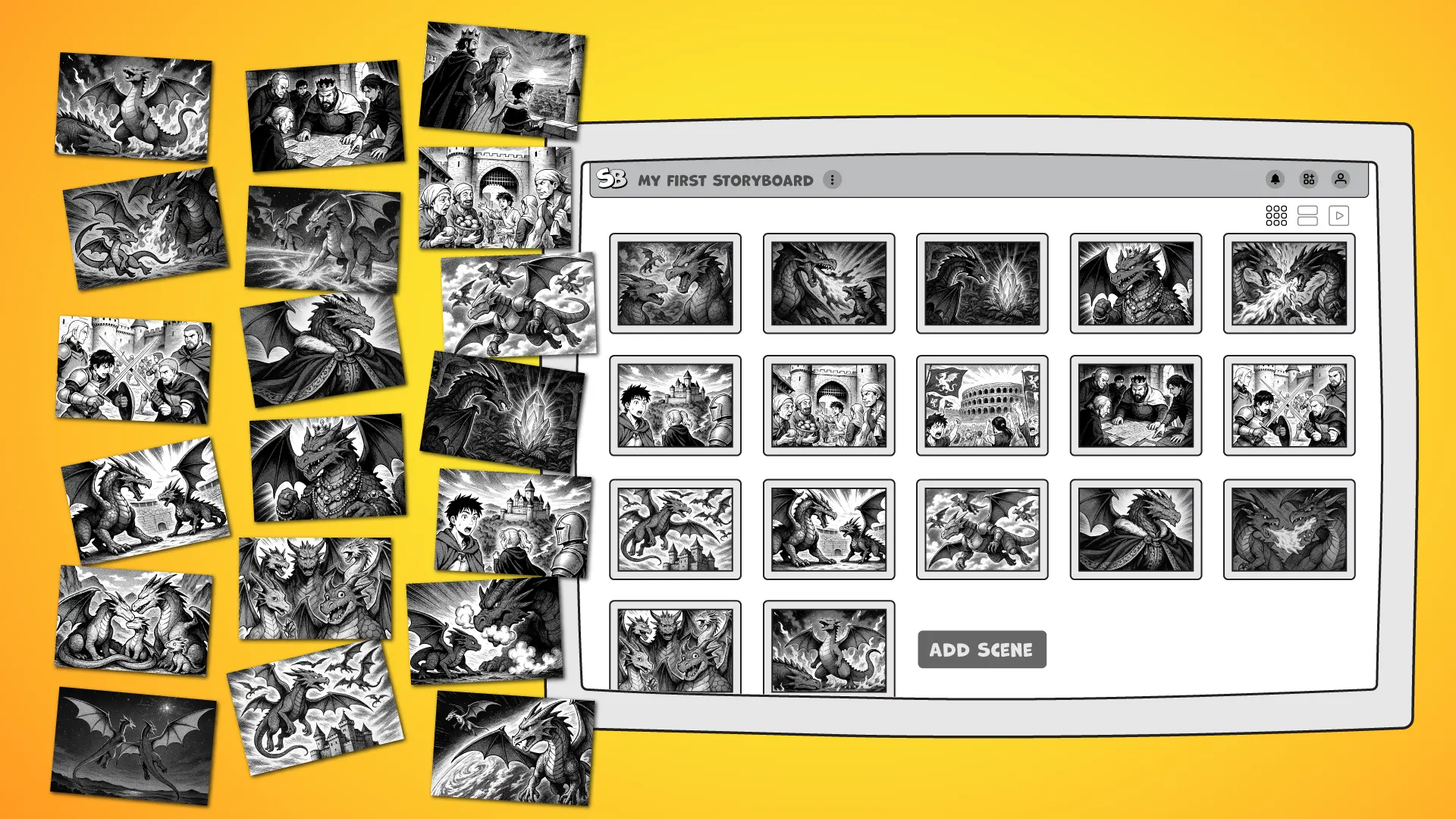
AI-generated cinematic images arranged separately beside the same images organized as a storyboard sequence.
When creating images becomes easier, it is tempting to keep generating.
Another angle. Another expression. Another version of the same room.
Exploration has value. But sometimes the next useful step is not another image. It is a closer look at what you already have.
Which shot belongs first? Which one repeats something we already understand? What is missing between these two moments?
Perhaps the sequence needs a reaction. Perhaps it needs a pause.
Perhaps removing a beautiful image makes the story stronger.
These are storytelling decisions.
A storyboard gives you a place to make them—to move images around, notice what is missing, and discover how separate moments might work together.
You do not need a finished script or a complete set of images to begin.
Start with a sketch, a photograph, a piece of concept art, or an AI-generated image that captures something you want to explore.
Add a few words about what is happening. Note the camera movement, a line of dialogue, or an estimated duration if you know it.
You do not have to answer every question yet.
As you build, the questions become more specific:
One shot leads to another. A missing transition becomes visible. A small detail suggests a new direction.
The storyboard does more than record your vision. It helps you discover it.
A close-up means something different depending on what comes before it.
A face after an empty hallway might suggest unease. The same face after a familiar voice might suggest recognition.
The connection is part of the story.
When images sit separately in a folder, those relationships are harder to explore. Bring them into a storyboard, and you can begin to see how the sequence holds together.
You might notice three wide shots where a closer view would help. Or a sudden jump that needs another moment between the two.
Sometimes you need to study a single frame. Sometimes you need several shots in view. Sometimes you need to step back and see the whole sequence.
The layout should help you see what the story needs—not force the story to fit.
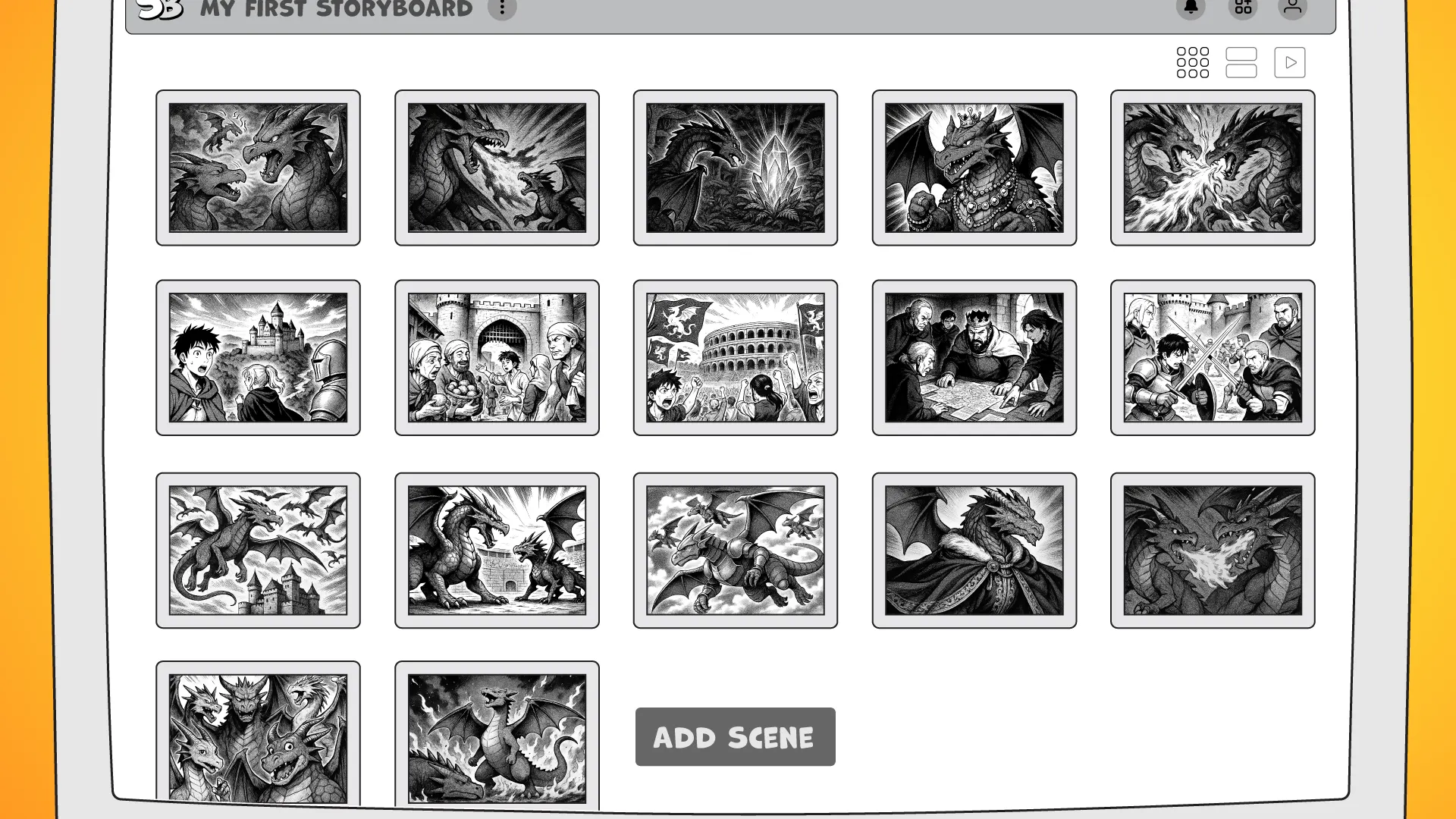
StoryBoom storyboard shown in close scene view and wide sequence overview.
A storyboard also gives people something concrete to discuss.
A director can explain the action. A cinematographer can consider framing and movement. A production designer can identify what the scene requires. An editor can review the intended sequence.
A client can point to a particular shot and ask a question, rather than trying to describe an image that exists only in their head.
The storyboard does not need to settle every detail. It gives the conversation a starting point.
With a shared digital storyboard, notes and feedback can stay close to the moments they concern. As the project changes, the visual plan can change with it.
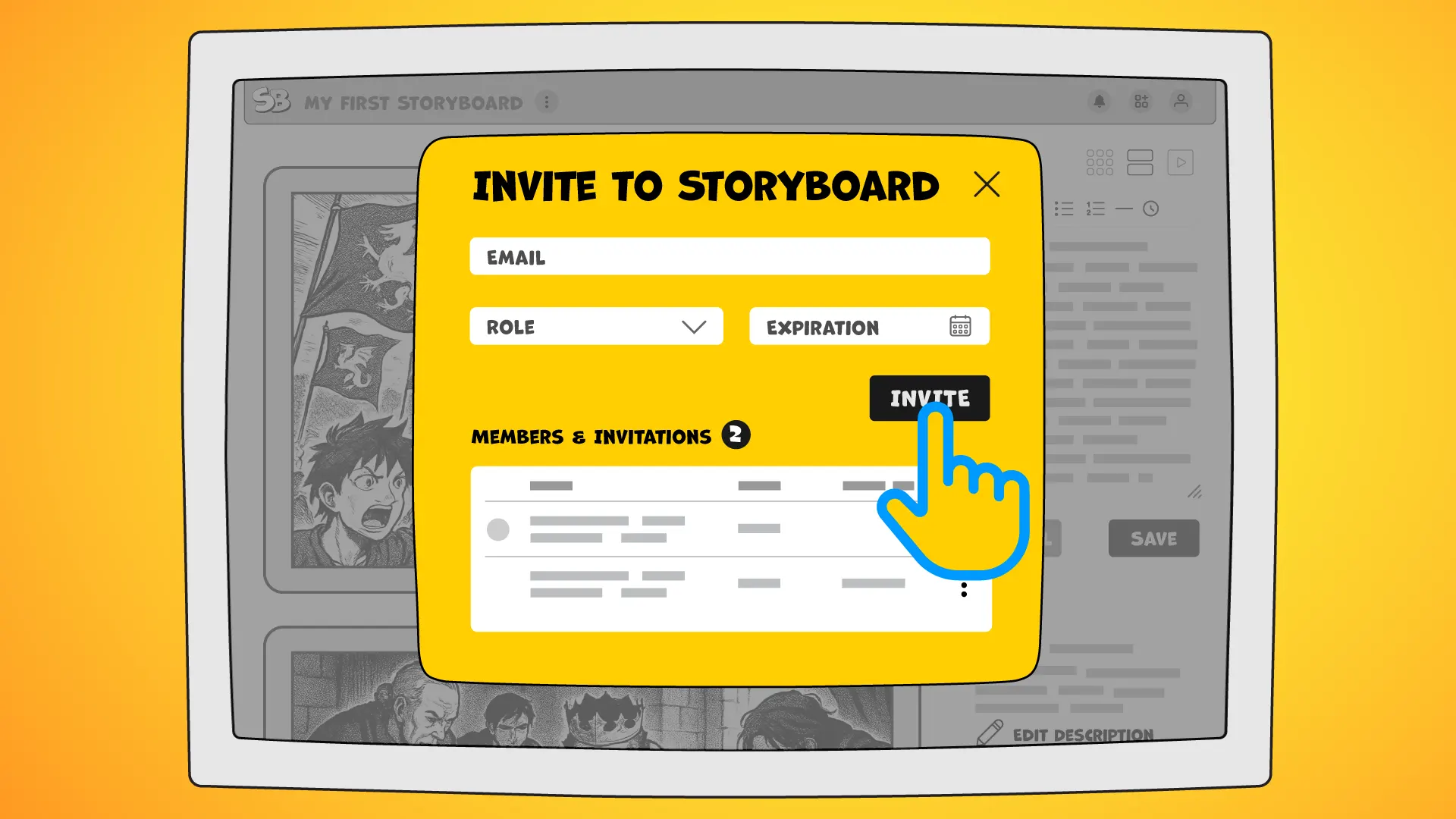
StoryBoom collaborative storyboard with scene comments and team feedback.
StoryBoom is not designed to replace your image-making tools. It gives you a place to bring the results together and shape the sequence.
Start wherever your creative process begins:
Then organize those images into a storyboard you can arrange, annotate, discuss, and refine.
With StoryBoom, you can:
An AI storyboard workflow does not have to end with a collection of generated images. Those images can become the starting material for a clearer, more intentional plan.
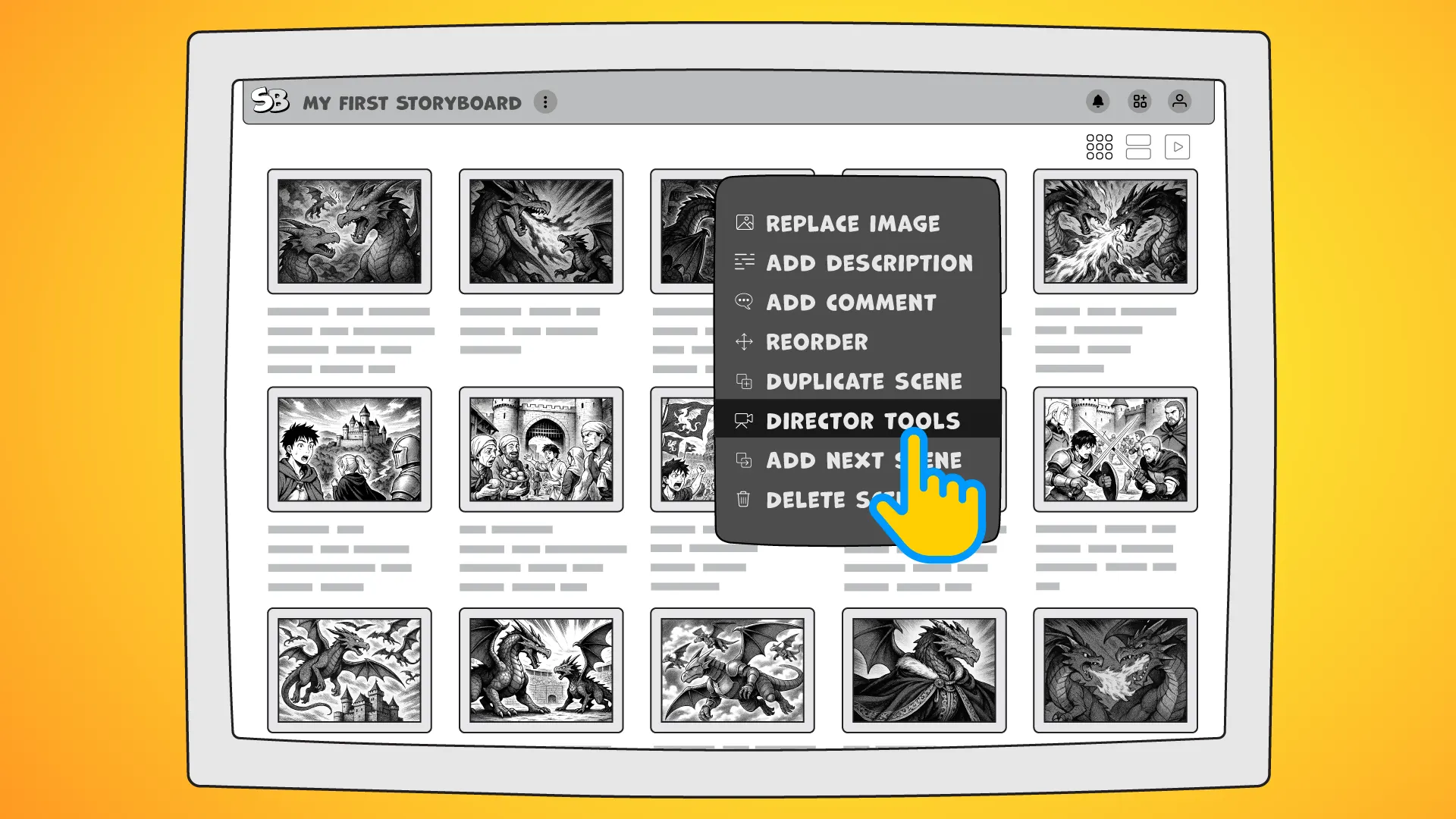
Storyboard scene in StoryBoom with camera movement arrows, annotations, scene description, and production notes.
StoryBoom is designed to keep the storyboard at the center of your work. Focus on a detail when it matters. Change the view when you need more context. Rearrange the sequence as your thinking develops.
The goal is not to fill every panel. It is to understand what belongs—and what you can leave out. Sometimes one frame says enough. Sometimes the story needs another beat.
You do not need to know the whole story before you begin.
Start with one scene.
Add an image. Write what you know. Leave room to discover more.
Then add another shot. Move it. Change it. See what happens between the two.
Little by little, the project takes shape—not just as a collection of images, but as something you can share, discuss, and begin to make.
AI can generate the frame — you still create the story.
Create Your First Storyboard →
Start your next story in StoryBoom, one scene at a time.
Stay connected—follow StoryBoom on X or LinkedIn
Back to Blog