
How to Storyboard Your Next Indie Film for Free (Without Hitting a Paywall)
June 21, 2026
June 21, 2026
As an indie filmmaker, every single dollar of your budget belongs on the screen. Spending hefty monthly subscriptions on pre-production software before you even call “action” is a fast track to draining your resources.
Yet, skipping the storyboarding phase is dangerous. Without a visual blueprint, you waste precious hours on set debating camera angles, lens choices, and blocking instead of actually shooting.
The challenge? Most “free” storyboarding tools are not truly free. They limit you to a handful of frames, apply intrusive watermarks, or lock essential collaboration features behind paywalls.
If you are tired of sketching on sticky notes but refuse to overspend on software, here is how to build a professional, frictionless storyboard workflow—for free.
Most mainstream storyboard software is built for agencies with large budgets, not independent filmmakers. When you try to use their free plans, you quickly hit three major limitations:
These limitations slow down production before it even begins.
StoryBoom was built specifically to remove these barriers. It runs entirely in your browser (with a mobile app on the way), giving you a fast, flexible storyboard workspace without technical friction.
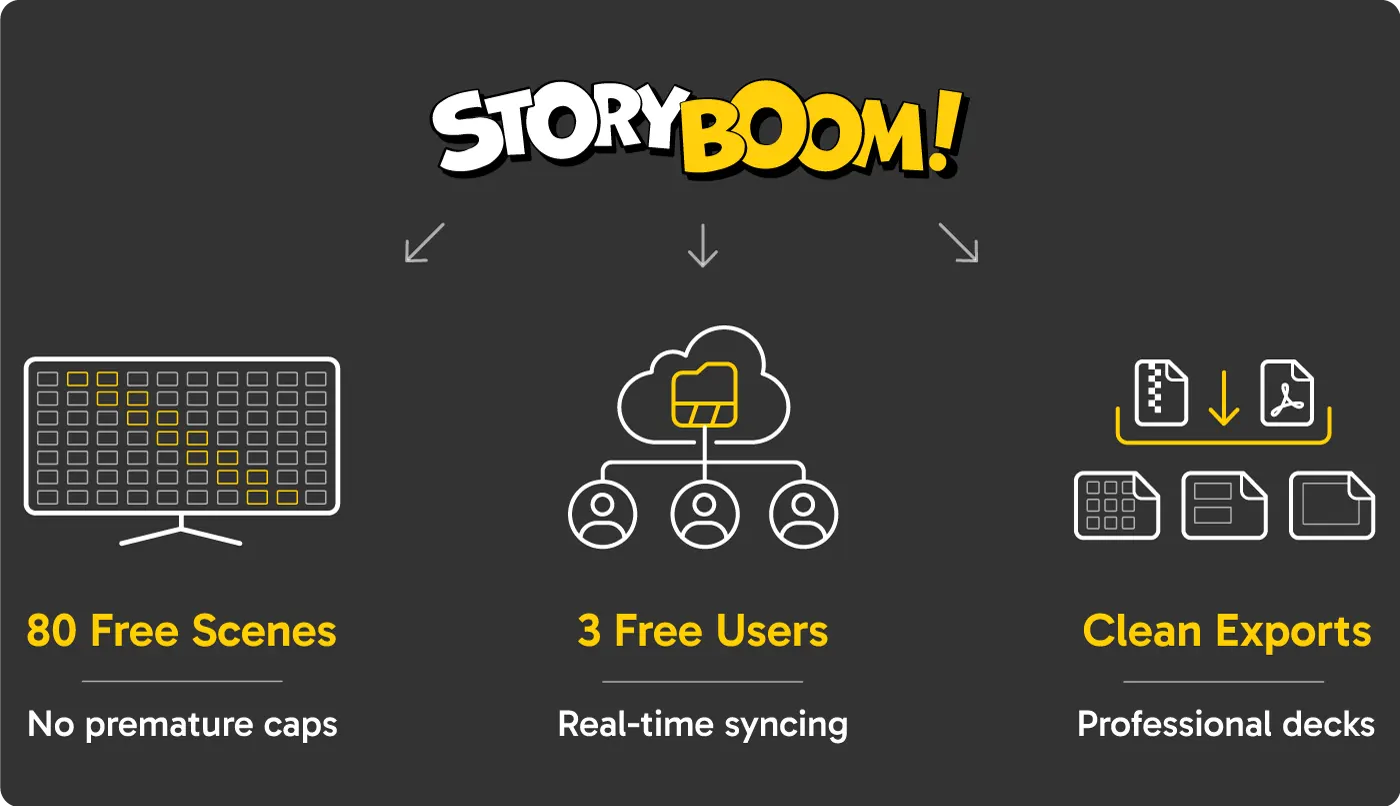
StoryBoom offers a Free Starter Plan: collaborate with up to 3 users and access all features.
Here is how StoryBoom supports low-budget and micro-budget productions:
Unlike tools that restrict you to a single sequence, StoryBoom allows up to 80 scenes on the free plan. This gives you enough space to storyboard short films, branded content, music videos, or even full narrative structures without interruption.
StoryBoom enables up to three collaborators to work simultaneously on the same storyboard. Your cinematographer can define camera movement, your writer can adjust dialogue, and your director can refine shot composition—all in real time.
There is nothing to install. You can access your storyboard from any modern browser, customize your layout (including thumbnails per row), and start building your visual sequence immediately.
Beyond creation, StoryBoom focuses heavily on output—where many “free” tools fall short.
PDF & Export Tools
You can generate polished, presentation-ready PDFs that include titles, scene descriptions, and optional layout formats tailored for pitch decks or production planning.
For more advanced workflows, StoryBoom also offers HTML export packages with full HD images. This is especially useful for:
Archive & Restore
Production evolves quickly, and StoryBoom accounts for that. You can archive entire storyboard projects or individual boards to keep your workspace organized without losing work.
At any point, you can restore previous versions—making it easy to revisit earlier concepts, recover deleted scenes, or maintain multiple creative directions.
To get the most out of your storyboard process, follow these practical guidelines:
Stop working around frame limits and watermarked exports. Keep your budget where it matters—on production, not software.
Launch your next storyboard on a platform designed for indie filmmakers. Visit StoryBoom.co and set up your free collaborative workspace in under a minute.

Stay connected—follow StoryBoom on X or LinkedIn
Back to Blog